If you’ve been curious about how to stop guessing and start getting reliable results from AI, this article is for you. In a recent conversation with Dawn Jordan Jones, CEO of 29Eleven Media and a 35-year marketing veteran, we walked through practical, down-to-earth strategies for using Prompt engineering to change how you run your business. I’ll share her experience, examples, and step-by-step advice so you can train your AI like an employee and unlock serious time savings.
Prompt engineering is the craft of writing the instructions you give to large language models so they return useful, actionable output. Think of it as training a teammate: the clearer you are, the better the results. Read on and you’ll learn how to pick your default model, how to write prompts that work, when to stop and pivot, and how to get creative with images and design tools. You’ll also get guidance for bringing your team along and addressing security concerns.
1. Start by choosing a default and treat it like your assistant
When you’re beginning with AI, you need a place to start. Dawn’s first practical rule is to pick a default model and stick with it long enough to form a relationship. For her, that default is ChatGPT. You can pick another model, Copilot, Gemini, or a vertical tool, and the same principles apply, but choosing a primary tool gives you stability while you learn.
Why choose a default? Because prompt patterns and expectations transfer. Once you learn how to get the best answers from one model, you can port that skill to others. Dawn says she now uses ChatGPT more than Google for many day-to-day tasks: idea generation, scheduling, time-blocking, even cooking tips. That consistent usage is how she trained her assistant, her “Gabe” to anticipate needs and deliver faster.
Action steps for you:
- Open a free account on an LLM of your choice to experiment.
- Consider upgrading to a paid tier if you need more current data or faster responses—Dawn finds the paid ChatGPT subscription worth the monthly fee for the time it saves.
- Use one tool for at least a few weeks to learn its pattern and quirks before switching.
2. Write prompts like you’re talking to a real employee
One of the most powerful shifts Dawn recommends is thinking of prompt writing as a conversation with a human assistant. That changes the way you structure instructions. Instead of short, vague queries, you provide role definitions, constraints, and context, then ask clarifying questions.
For example, rather than typing “Write a marketing email,” you could instruct the model: “Act as my fractional CMO. I run a small ministry with 200 members. I need a two-paragraph email announcing a fall gala targeted to women ages 30–60. Use warm, inclusive language and a call-to-action to buy tickets.” Then ask, “Do you have everything you need?” If the assistant asks for more details, give them—this back-and-forth is exactly how you train it.
Tips for better prompts:
- Use simple sentences. Avoid long run-on phrasing that bundles too many ideas.
- Define the persona or role you want the model to play (e.g., “Act as a fractional CMO”).
- Give the constraints (audience size, tone, length, output format).
- Ask the model to verify if it has everything needed before generating output.
When you treat the model like an assistant and continually refine the prompt, the outputs get sharper—and your time investment shrinks.
3. Use Prompt engineering to act as your fractional CMO, CFO, or COO
Dawn emphasizes that AI can function as a fractional executive—if you tell it exactly what you need. The model can draft marketing plans, brainstorm campaign ideas, produce reporting templates, and summarize financial scenarios. The difference between a vague query and an executive brief is what makes AI act in a high-level role.
Here’s a pragmatic workflow Dawn uses when she asks an LLM to act as a fractional CMO:
- Declare who the AI should be and the constraints (organization size, audience, budget).
- Provide background—current marketing assets, recent campaign performance, or program goals.
- Ask for a multi-step deliverable (e.g., a three-month campaign plan with channel mix and weekly tasks).
- Ask the assistant if it needs more details before it generates the output.
- Refine the result by iterating on tone, timing, or KPIs.
Don’t expect the model to be perfect the first time. Use it to create drafts, outlines, and frameworks you adapt and execute.
4. Learn the red flags: when to stop and change your prompt
Prompt engineering comes with a learning curve. Dawn shares a lesson she learned the hard way: sometimes you need to stop earlier and change direction. There was a project where she kept iterating for hours because the model kept saying it could do the task, yet the output never met expectations. She realized later she should have pivoted sooner.
Signs that your prompt is going off-track:
- The model keeps returning results that miss your key constraints (audience, tone, format).
- You find yourself repeating the same corrections without improvement.
- The model claims it has all the needed information but produces generic output.
- You run into bizarre errors—like nonsensical phrases or odd artifacts in images (e.g., hands that don’t look right).
When you see those red flags:
- Stop and restate the task in short, simple sentences.
- Break the task into smaller subtasks the model can handle sequentially.
- Ask the model explicitly what it lacks. If it asks for details, provide them before generation.
- Consider switching tools if the model routinely fails the use case.
This pragmatic approach keeps you from wasting hours and helps you iterate faster.
5. Don’t limit the model—ask for lots of options and remix them
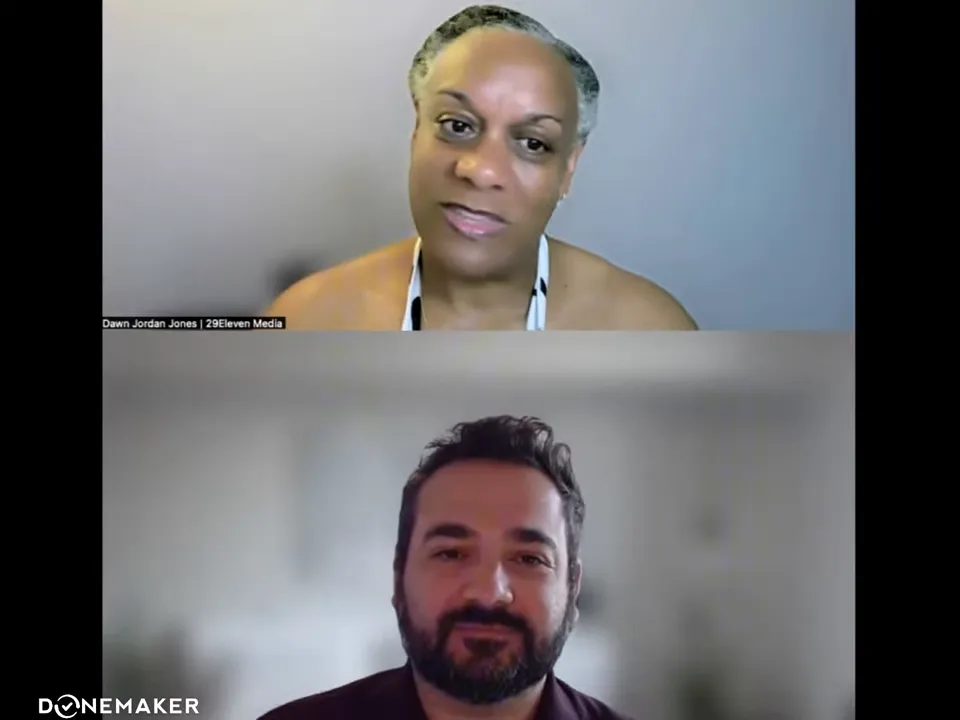
One common mental habit is limiting the AI to a few choices—“give me three names” or “give me top three ideas.” Dawn recommends the opposite: stretch the request. Ask for ten or more options, then combine the best elements. She recounts a podcast-naming exercise where she asked for five names, then expanded to ten more, and ultimately blended pieces of several suggestions to create the final title and subtitle.
Why this works: AI excels at mass ideation. The real value comes from your curation and selection. By asking for many options, you increase the chance of a serendipitous idea you would never have considered on your own.
Practical prompt tactic:
- Ask for an initial set of ideas (ask for at least ten) and for variations on the top two or three results.
- Request different tones (formal, playful, spiritual, edgy) and different formats (single-line titles, subtitle pairings, taglines).
- Mix-and-match outputs: take a headline from one suggestion and a subtitle from another.
6. Apply Prompt engineering to images and visuals—Canva, Photoshop, and Firefly
Prompt engineering isn’t only for text. Dawn has had huge wins using generative features in tools like Canva, Photoshop’s image generation, and Adobe Firefly to create graphics and event artwork. She describes a recent gala graphic for a women’s support group with the theme “Pieces of Me.” Using Canva’s Magic tool, she prompted the model for multicultural women, puzzle pieces, and a warm tone—and the output matched her vision almost exactly.
Image prompt tactics Dawn recommends:
- Describe the mood and composition (e.g., “multicultural women in soft hues, puzzle-piece overlay, warm lighting”).
- Request multiple variations and then refine the chosen version.
- Upload a base image when possible so the model has a reference to transform.
- Prefer image-styled art over photorealistic portraits when you’re testing—the model tends to produce cleaner results with illustrative prompts.
When working with images, you’ll often accept the initial AI output as a base and make minor edits—overlaying event details, adjusting color, or swapping type. That hybrid approach is fast and produces high-quality results without needing a full Photoshop skillset.
7. Address privacy, authenticity, and team adoption
One of the first questions people ask is whether prompt engineering and AI threaten privacy or authenticity. Dawn handles this by using generalized, non-sensitive data for AI tasks. She avoids uploading confidential financials or proprietary sequences into models. When she needs more sensitive work, she configures privacy settings or uses enterprise tools with data controls.
How to keep your use of AI safe and accepted internally:
- Start with non-sensitive tasks—marketing copy, design mockups, brainstorming, or meeting outlines.
- Document when you used AI and what inputs were shared, especially if your organization needs audit trails.
- Use privacy settings (available in many models) to prevent training on your inputs when required.
- Provide short workshops or workbooks to help your team learn basic prompt engineering patterns.
- Show before-and-after examples so stakeholders see time saved and quality maintained.
Educating the team is crucial. Millennials and Gen Z may already be using AI casually, but they still benefit from guardrails and training tailored to business needs. Dawn suggests staged rollouts—start with a friendly workshop, use real examples your team recognizes, and provide templates they can reuse.
Closing thoughts: treat Prompt engineering as a multiplier
If you take one thing away from Dawn’s experience, let it be this: prompt engineering multiplies your capacity. It doesn’t replace the human elements that matter—judgment, empathy, and strategic thinking—but it amplifies them. When you train an AI to act like an employee, it removes busywork and gives you space to lead and create.
Adopt a pragmatic mindset: choose a default tool, practice short clear prompts, ask the model to verify details, iterate quickly, and keep your team informed. Use images and design tools to produce marketing assets faster, and apply guardrails when privacy or authenticity are concerns. Finally, invest in upskilling—knowing how to ask the right questions will make you more valuable in any role.
If you want to continue learning, try a short experiment this week:
- Pick one LLM or image tool as your default for the week.
- Write three role-based prompts (e.g., “Act as my CMO,” “Act as my copy editor,” “Act as my event designer”) and ask each to confirm if it has enough info before generating.
- Request ten variations for one creative task and choose your favorite elements to remix.
- Document time saved and share a single before-and-after example with your team.
Those small experiments will teach you more about prompt engineering than dozens of theoretical articles. Start small, iterate, and treat the LLM like the teammate you want it to be.
Want to connect? If you’d like help applying these ideas to ministry or nonprofit marketing, Dawn is available through 29elevenmedia.net and is active on social channels where she shares practical examples and workshops.
Watch the full podcast here: Prompt engineering is your new superpower. Train ChatGPT like an employee. Stop Limiting AI